mind-map 利用docker搭建一个简单思维导图生成网站
项目地址:https://github.com/wanglin2/mind-map
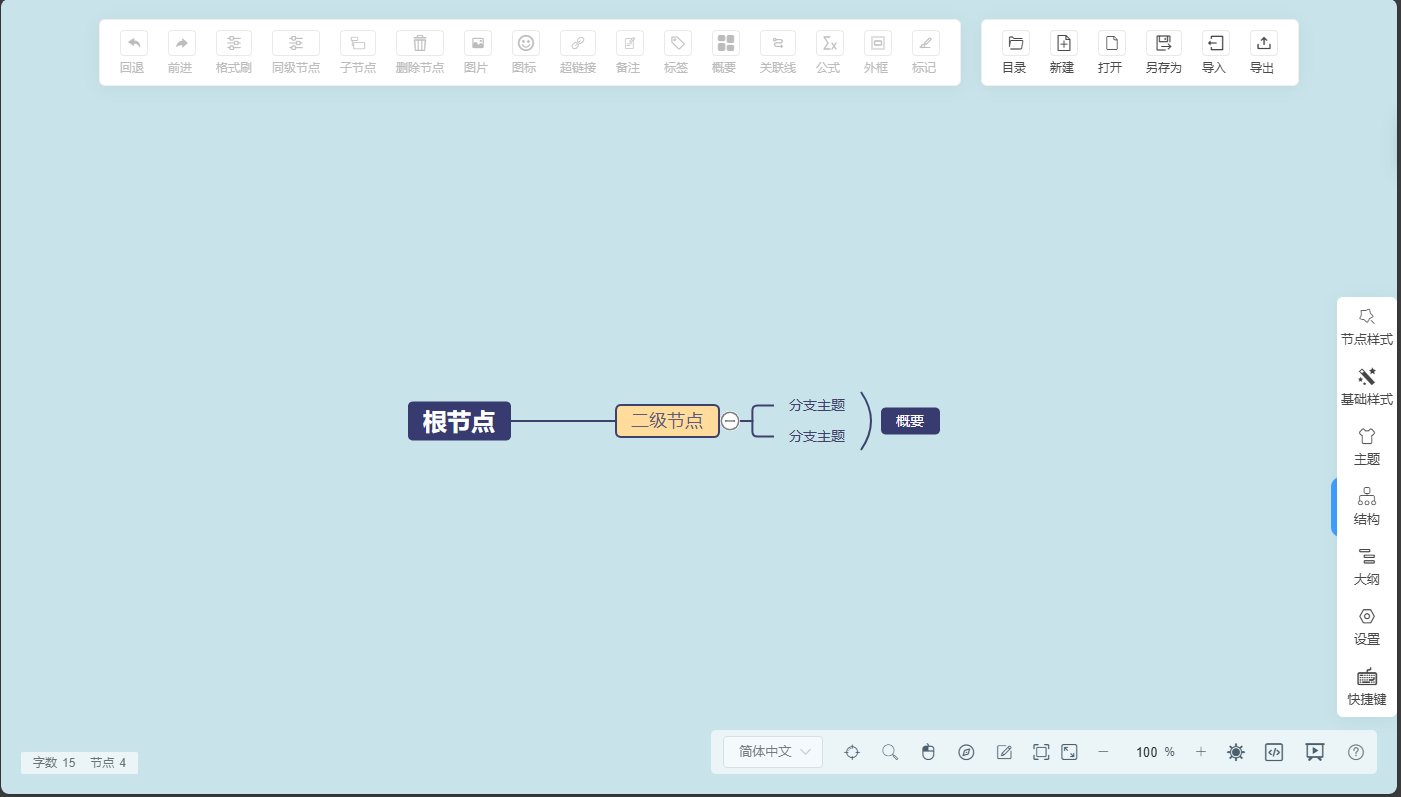
效果:
mkdir simplemind;cd simplemind #创建一个目录,并进入此目录
nano docker-compose.yml
services:
    ywsj_simplemind:   #服务名,可以自定义
        container_name: ywsj_simplemind    #容器名,可以自定义
        ports:
            - '9080:80'   # 冒号:左边的9080可以改成任意vps上未使用过的端口,冒号右边是本docker镜像里的端口
        environment:
            - PUID=0    # 用户ID,在终端输入id可以查看当前用户的id
            - PGID=0    # 组ID同上
            - TZ=Asia/Shanghai  #时区,可以自定义
        restart: always    #开启自启动其他选项看以下备注
        volumes:
            - './html:/usr/share/nginx/html' #目录映射,冒号:左侧可以更改本地的目录,右侧是对应的容器的目录
        image: gindex/nginx-php    #镜像名一般都是使用的哪个镜像就写哪个镜像。
git clone https://github.com/wanglin2/mind-map && mv mind-map html # 克隆主程序(需要科学),重命名文件夹为html
docker compose pull
docker compose up -d
docker compose logs -f
看到以下字样,表示启动成功,可以同构ip:9080来访问服务了:
simplemind | 2025-01-29 23:37:25,455 INFO supervisord started with pid 8
simplemind | 2025-01-29 23:37:26,459 INFO spawned: 'php-fpm' with pid 9
simplemind | 2025-01-29 23:37:26,462 INFO spawned: 'nginx' with pid 10
simplemind | 2025-01-29 23:37:27,499 INFO success: php-fpm entered RUNNING state, process has stayed up for > than 1 seconds (startsecs)
simplemind | 2025-01-29 23:37:27,499 INFO success: nginx entered RUNNING state, process has stayed up for > than 1 seconds (startsecs)
更新:
docker compose down
rm html -rf
git clone https://github.com/wanglin2/mind-map && mv mind-map html # 克隆主程序(需要科学),重命名文件夹为html
docker compose up -d