Hysteria2的相关搭建
racknerd上黑五促销的价格还是比较亲民的:
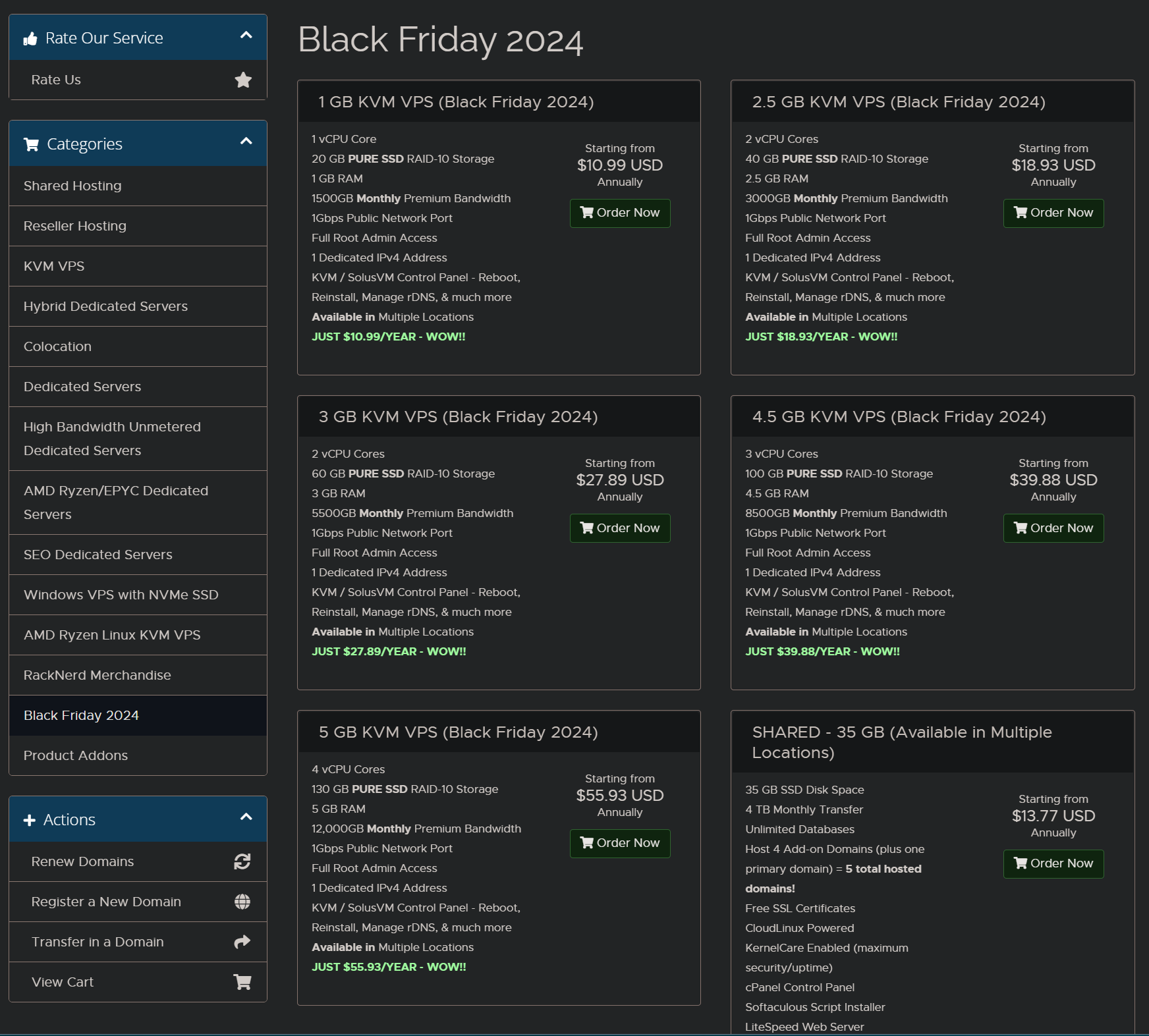
如果但是搭建一个节点,1099$的这个完全够用了,为了测试一下docker,我稍微买了个大点的,只是个人玩,不用买贵的。
1.系统组件升级至最新:
apt update -y && apt install -y curl && apt install -y socat
2.Hysteria 2 一键安装脚本
wget -N --no-check-certificate https://raw.githubusercontent.com/flame1ce/hysteria2-install/main/hysteria2-install-main/hy2/hysteria.sh && bash hysteria.sh
3.查看 hysteria 服务 状态
systemctl status hysteria-server.service
4.启动 hysteria 服务
systemctl start hysteria-server.service
5.设置 hysteria 服务 开机自启
systemctl enable hysteria-server.service
6.其他常用命令
停止 hysteria 服务
systemctl stop hysteria-server.service
重启 hysteria 服务
systemctl restart hysteria-server.service
7.关于端口开放,防火墙设置:
节点如果不能正常使用,请先放行端口,
将下面的命令复制, 粘贴后敲回车.
注意: 80和443一定要开放, 另外, 再将 xxx 改为你自己的hysterial监听端口。
iptables -I INPUT -p tcp --dport 80 -j ACCEPT
iptables -I INPUT -p tcp --dport 443 -j ACCEPT
iptables -I INPUT -p tcp --dport xxx -j ACCEPT
关于防火墙的常用命令:
ufw disable
ufw enable
ufw status
ufw allow xx
ufw allow 1000:10000/udp
8.windows客户端,建议用v2rayN,ios客户端可以使用小火煎、karing或者是配置sing-box。经测试,都可以。
买vps时候,一定买洛杉矶的机房,经过测试ping值在200ms内,速度200兆左右吧。